How to start using the app
To get started, you have to fill out the three main catalogs of the equipment you are using. To do this: select "Home" on the tab bar, then select "Settings" and configure the equipment in the application.
Catalogs preparation:
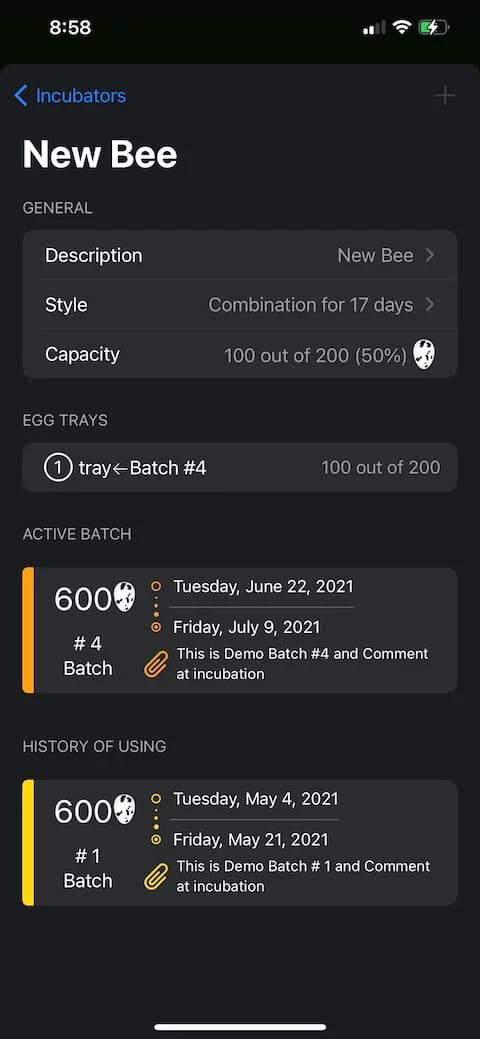
Incubators
Which provides for the use of three types (Setter, Hatcher and Combination), as well as the number of trays for each incubator and their egg capacity.
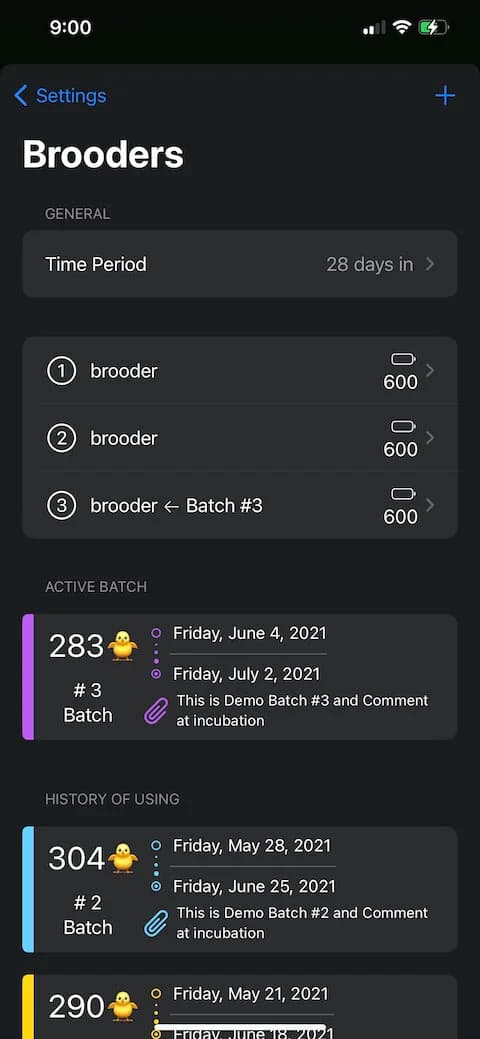
Brooders
Where it is required to specify the maximum possible number of chicks for each brooder.
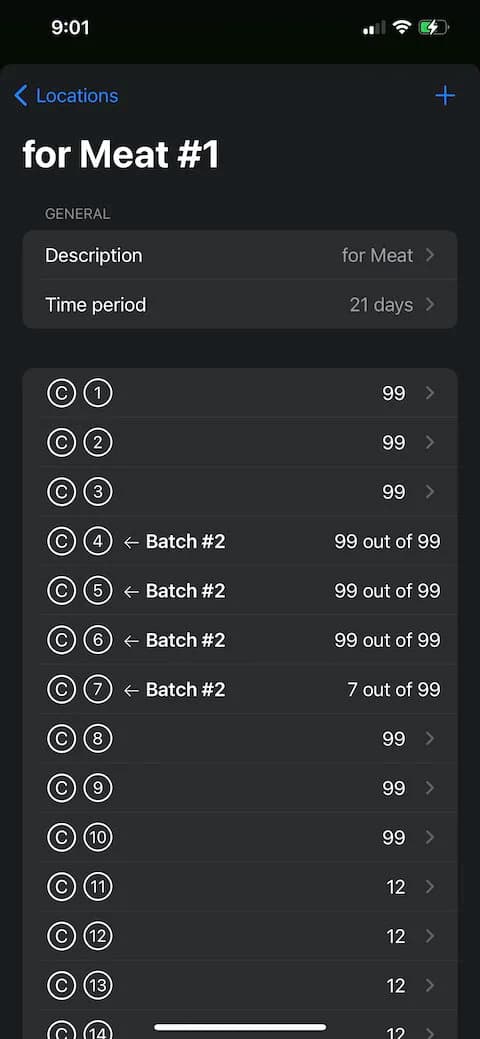
Locations
Locations are groups of cages for a specific task. For example: for keeping parent stock, for egg production or for meat production.
Finally
Creation of a New Batch
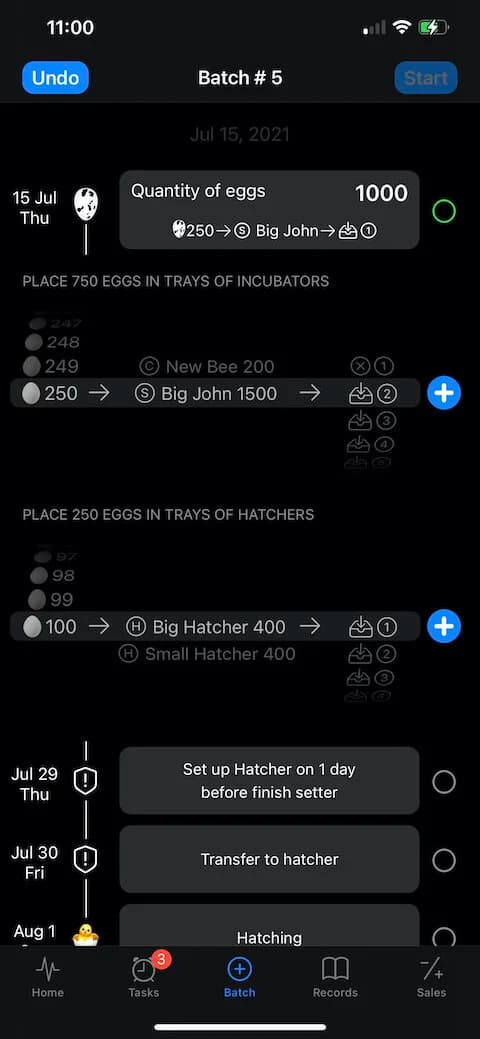
Select "Batch" on the tab bar, then input quantity of eggs at this batch.
• You have the ability to create batches retroactively, to do this, click on the date above the quantity. Please note that this is only possible before placing the eggs in the incubator.
• If you are using a Setter incubator, you also need to define the trays in the Hatcher incubator.
• By clicking "Undo" – you can delete the last action.
• When you have identified the eggs in the trays, press the "Start" button to begin incubation.
• You can set up 2 kind of notifications:
○ Push notifications
○ Automatically create corresponding records in your favorite calendar
• This can be done in the Settings on the "Home" tab.